Guide
Printing at home without wasting ink
How to print A4 printables so they come out the right size and don't empty a colour cartridge, scaling, greyscale, draft mode, paper and laminating.
Every printable on this site is an ordinary A4 PDF. Nothing here needs special software, and none of it should cost much to print, as long as the settings are right.
Set the scale to 100%
The single most common problem. If a chart comes out with the bottom row cut off, or noticeably smaller than A4, the print dialogue has “fit to page”, “shrink to fit” or “scale to paper size” switched on. Set it to 100% or actual size and print again.
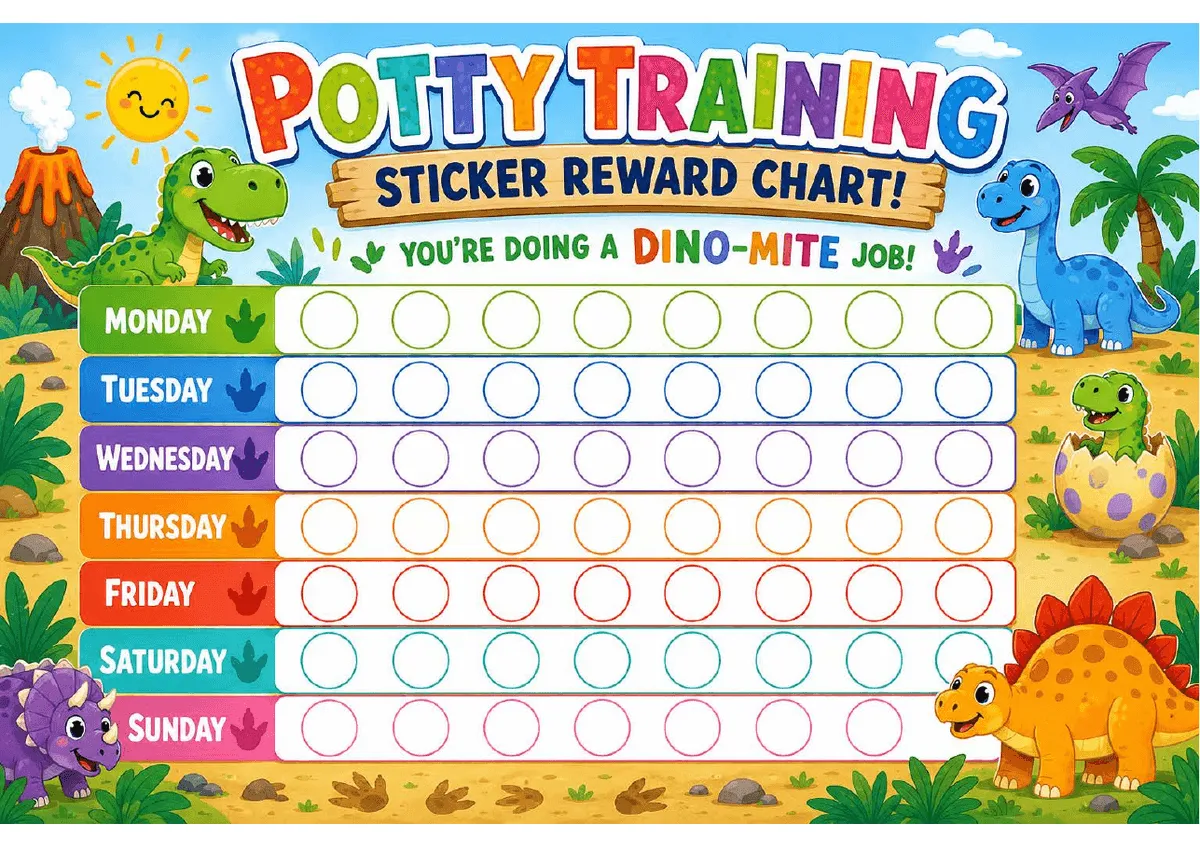
The sticker squares in particular are sized for standard 19mm stickers. Scaled down, they stop fitting.
Print in black and white unless colour is the point
Colour cartridges are the expensive part, and most of what you print for children (tracing sheets, logs, planners, blank charts) loses nothing in greyscale. Look for black and white, greyscale or print in black ink only in the dialogue.
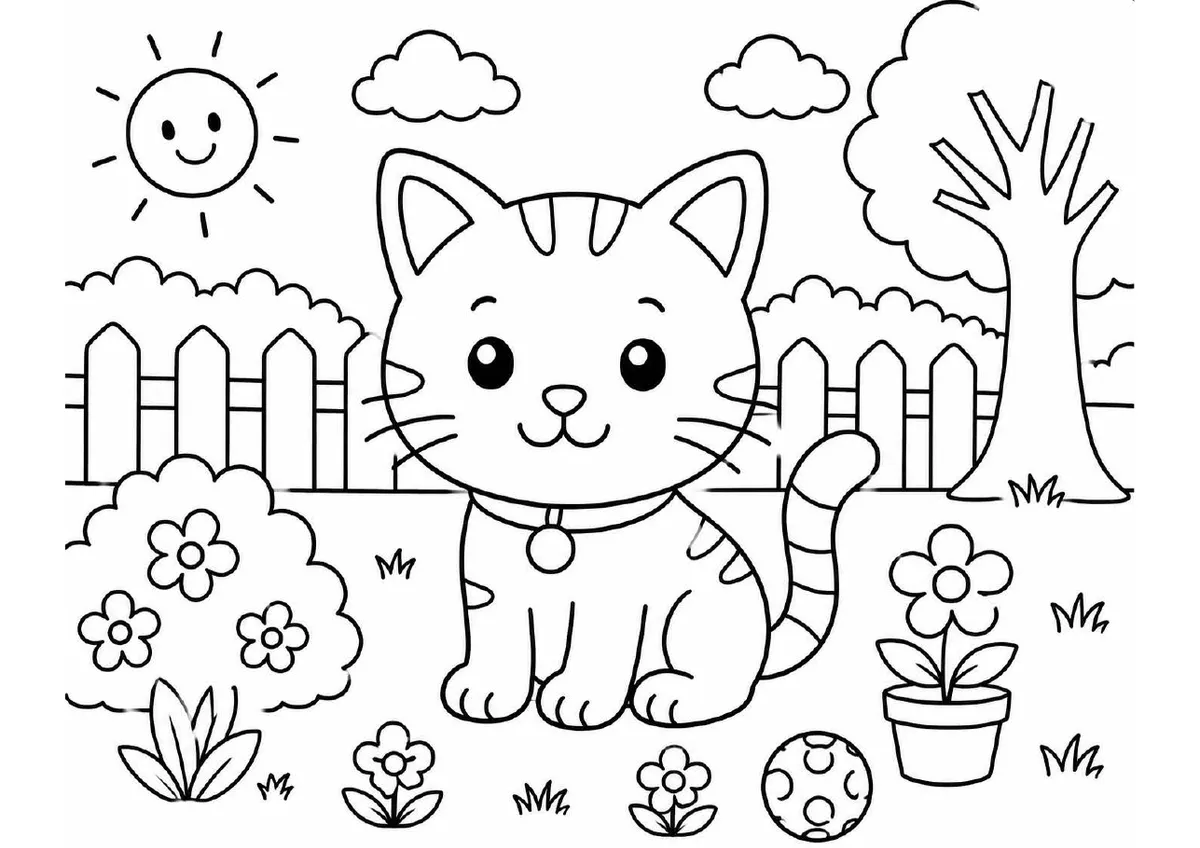
Where a sheet is designed for it, letting a child colour the picture in themselves is usually more popular than a pre-coloured version anyway.
Use draft mode for anything disposable
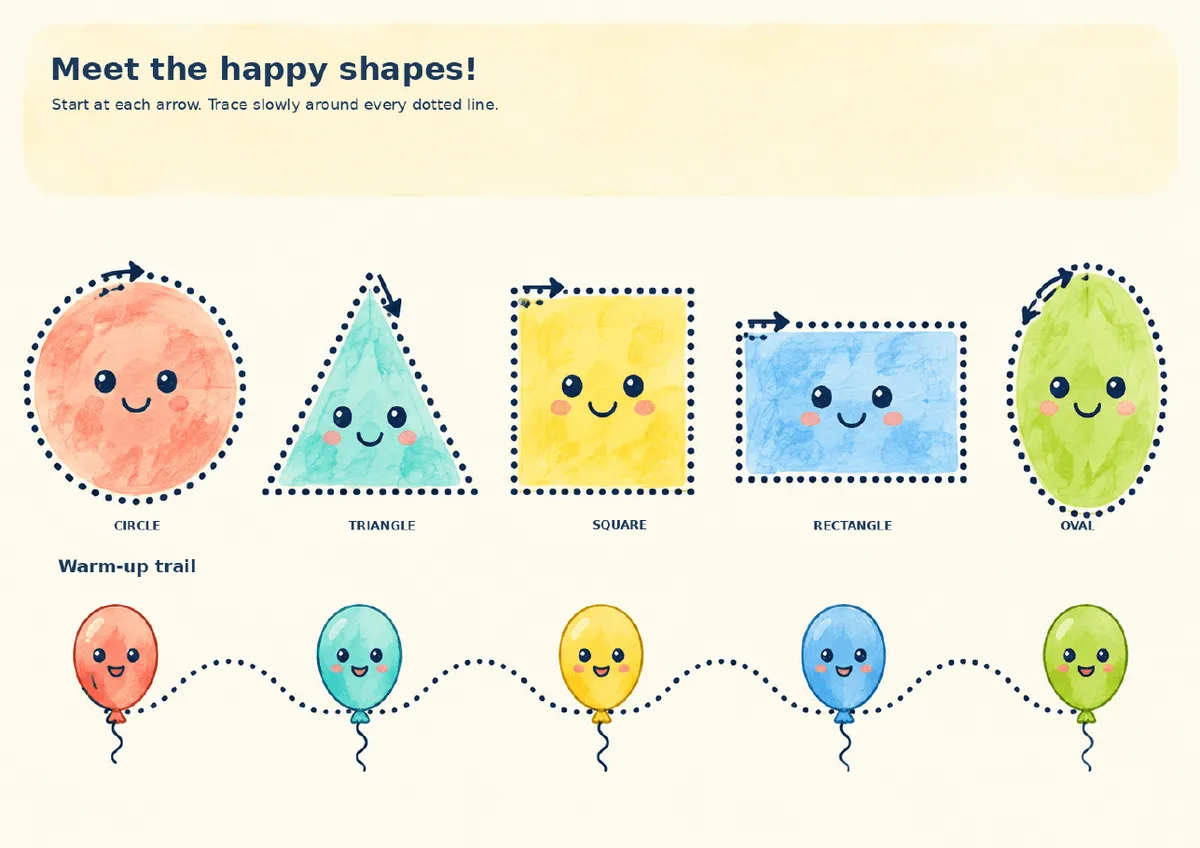
Practice sheets, weekly planners that get replaced on Sunday, tracing pages that get scribbled over. Draft or economy mode uses noticeably less ink and the result is perfectly legible.
Save the good settings for the chart that’s going on the wall for a month. I print everything else in draft and have yet to hear a complaint.
Paper
Ordinary 80gsm copier paper is fine for almost everything. Two exceptions worth the extra:
- Anything that gets handled repeatedly (cut-out cards, matching sets) is better on 120gsm or heavier, or it curls and tears within a week.
- Anything going on a wall for weeks holds up better on slightly heavier paper, though a plastic wallet does the same job for less.
Laminating and the cheap alternative
A laminated chart with a whiteboard pen is reusable indefinitely, which is genuinely useful for weekly planners and blank charts. If you don’t own a laminator, a plain plastic punched pocket costs pennies and works nearly as well.
If you don’t have a printer
Any print shop, library or supermarket photo counter will print a PDF from a phone or a USB stick. For colour work on decent paper it’s frequently cheaper than doing it at home, and there’s no cartridge to replace afterwards. Worth it for the sheets where the colour is the whole point, like the high contrast baby cards or the routine charts.
Common questions
Why is my printable coming out smaller than it should?
Almost always "fit to page" or "shrink oversized pages" in the print dialogue. Set the scale to 100% or "actual size" instead.
Can I print these at a shop?
Yes. The PDFs are ordinary A4 files, so any print shop, library or supermarket photo counter can handle them. For anything you want in colour and on decent paper, it often works out cheaper than home ink.